Categories
Technology

Jimmy Fallon test drives F-150 Lightning, Mustangs on Metro Detroit visit

Comedian and TV host Jimmy Fallon burned some rubber Friday with Ford Motor Company on a whirlwind visit to Metro Detroit.

The celebrity and former “Saturday Night Live” star did some test drives at the M1 Concourse in Pontiac then dropped by the Rouge Electric Vehicle Center in Dearborn — to the surprise and delight of Ford employees.

Jimmy Fallon with Ford CEO Jim Farley on Friday.

Topping Fallon’s Detroit bucket list was a spin on the F-150 Lightning, which the automaker introduced in May. “The Tonight Show” host already owns a gasoline powered F-150 and is thinking about purchasing the electric version, a Ford spokesperson told The Detroit News.

“Fun day at the track and the Rouge Electric Vehicle Center in Dearborn, MI surprising our teams building the (F-150),” Ford CEO Jim Farley said on Twitter. “Thank you Jimmy!”

Categories
Technology

Samsung Finally Starts Selling Parts for Smartphone Repairs at Home. Sort of

This week Samsung said customers can finally start buying replacement screens, rear glass and charging ports for home repairs from repair resource site iFixit, as well as from Samsung’s Experience stores across the country, according to the Washington Post.

But their article warns that for now the program is limited to just “a handful of higher-end models” like the Galaxy S20 and S21 series smartphones. (“We plan to expand to more models as the program matures,” said a Samsung spokesperson.)

You can’t, for example, buy just a screen to replace a broken one in your Galaxy phone. Instead, Samsung says you must purchase an entire screen “assembly,” which includes the display itself, the metal frame that surrounds it and another battery. Essentially, that means replacing the entire front of the phone and then some.

That also means that, for the time being, Samsung doesn’t have a way for you to purchase a genuine battery on its own to replace the one that isn’t holding a long-charge or bloating — a common issue in devices that are used and charged regularly. The Samsung spokesperson told The Washington Post that “additional parts will be added as the program ramps up,” though co-founder and CEO Kyle Wiens says iFixit will continue to sell third-party replacement batteries….

And we’re not kidding about how fiddly these guides can be: according to iFixit, the process of replacing a Galaxy S20’s screen assembly requires 41 steps, and that doesn’t include putting the phone back together.

Categories
Technology

How to Migrate Windows to an SSD Using Disk Genius

Getting Windows onto a solid state drive (SSD) can really speed things up. Installing a fresh copy of windows on your SSD is quite straightforward, but transferring an existing installation to one is trickier.

Migrating your Windows OS from your HDD to your SSD is a delicate process and can result in data loss if you are not very careful. Hence, this article guides you on how to use DiskGenius to carry out this transfer properly.


What Is an SSD?

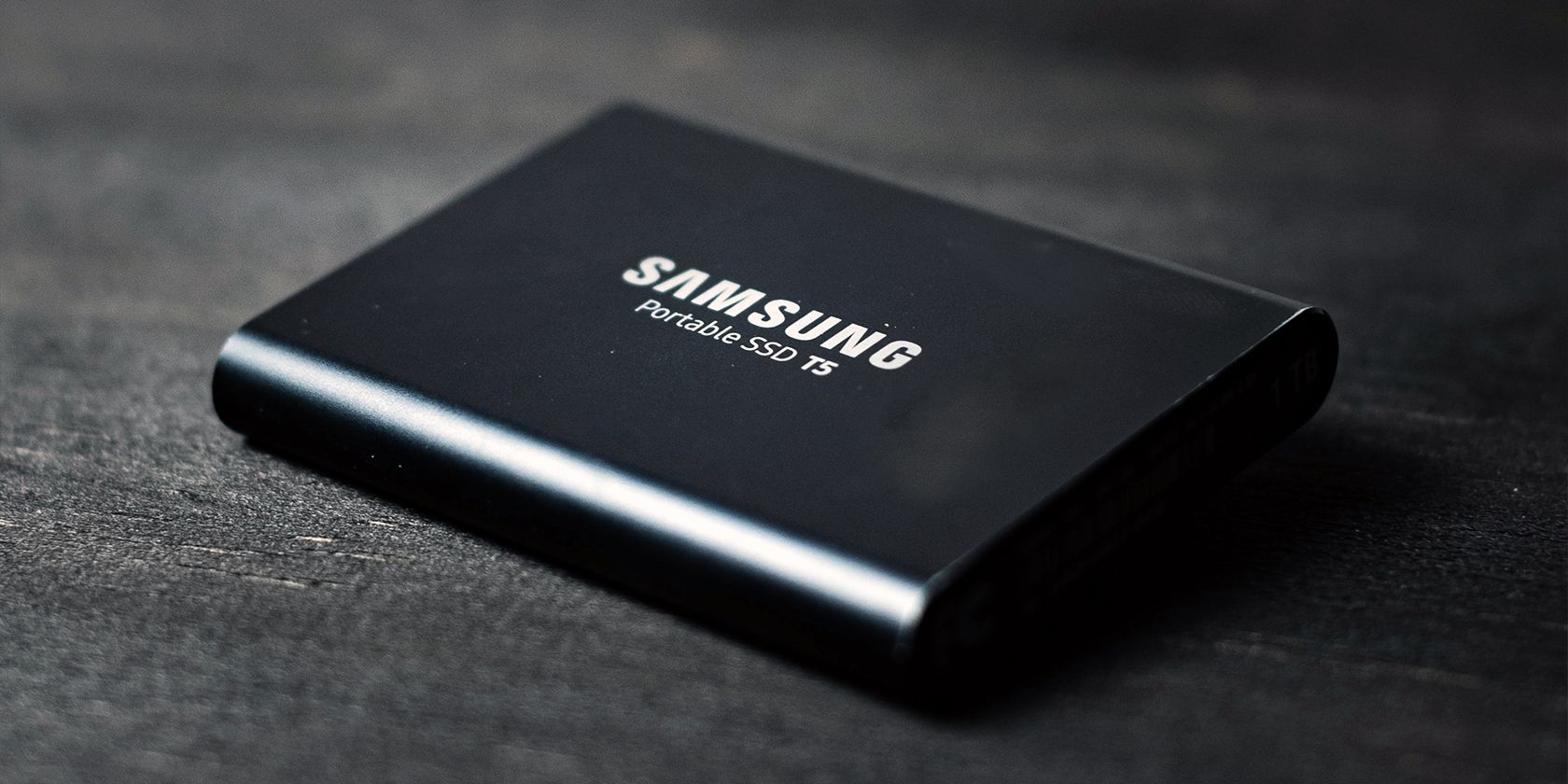
A Solid State Drive or SSD is a storage device that typically uses flash memory in place of moving parts to store persistent data. An SSD, as a storage device, is often described as a successor to Hard Disk Drives (HDDs).

SSDs perform the same functions as hard drives, albeit more efficiently. For example, they are used in personal computers, smartphones, external storage devices, and gaming consoles like the PlayStation 5 and Xbox Series X.

The latest type of SSD is the NVMe drive which offers the fastest data transfer speeds of any storage device. Nonetheless, this speed comes with a higher price tag than a traditional HDD.


Why Is an SSD Better Than an HDD for Your Windows Installation?

In the SSD vs. HDDs debate, SSDs clearly have the upper hand. SSDs are, on average, four times faster than HDDs when reading and writing data. Furthermore, installing your Windows OS on an SSD can give you 20 second start-up time. Conversely, booting from an HDD for an identical installation can take up to a minute.

In addition, SSDs are smaller than HDDs, with lesser weight and no moving parts. As such, they are less prone to physical damage. Today, HDDs can achieve higher storage capacities than SSDs, but this gap is fast closing up. For the general user, this difference is not even apparent.

Gamers, musicians, and graphic designers will enjoy using SSDs for their speed, reduced noise, and increased performance. Moreover, users who travel a lot will benefit from the faster start-up times SSDs offer.

Migrate Your Windows From HDD to SSD Using Disk Genius

Now we know why SSDs are good, let’s go about getting your Windows from an HDD to an SSD.

1. Back Up Your Important Data

Migrating your Windows installation from one storage device to another is a tricky and potentially dangerous process. You can easily corrupt your data or, worse, wipe it completely. Hence, before you begin the transfer process, ensure to back up all your data.

The installation process will delete all data stored on the target SSD, so you also have to back up the data on that device. You can consult our Windows data backup guide to learn how to store your data safely.

Furthermore, you can either back up your data on an external storage device or the cloud. We recommend storing on the cloud for maximum data security as your external storage device can get damaged. However, this option requires an internet connection.


2.Download and Run DiskGenius

DiskGenius is a disk management and data recovery tool that is tried and trusted by many users. You can download this free software by visiting the download page on the DiskGenius website. Click on the Download button to download the installer program.

After downloading, navigate to the download location and open the installer. Once it has opened, select your language, read, and accept the license agreement. Then, wait for the installation to complete. DiskGenius usually creates a shortcut for you on the desktop.

Next, open up your Windows desktop, find the DiskGenius shortcut, and double-click it to run the program.

3. Open the System Migration Tool on DiskGenius

With DiskGenius open, select the OS Migration tool on the toolbar or navigate to Tools > System Migration. Ensure you have connected your SSD to your computer. You can connect it as an external device or install it on the appropriate motherboard slot.

4. Select the Target Disk

After opening the OS Migration tool, identify and select your SSD as the target disk. This step should be quite simple if the SSD is the only other storage device connected to your computer. Hence, you should disconnect all other storage devices from your PC to avoid confusion.

Upon selecting the target disk, a pop-up message will warn you that all files and partitions on the target disk will be overwritten. This should not be a cause for concern if you have backed up your important data. Select okay to continue the migration.

5. Confirm the System Migration Settings

The system migration settings window allows you to customize how you want the migration to proceed. You can set the partition size by dragging the arrows between the partitions on the target disk.

Moreover, you can choose whether to boot from the target disk after the migration is complete. If you want to continue booting from the original disk, you can leave this option unchecked.

Finally, you can prevent your computer from sleeping while the migration occurs.

After confirming your settings, click the Start button on the bottom right of the menu.

Another pop-up message will appear, warning you that your files will be overwritten, emphasizing the need to back up your data. Click on the okay button if you wish to proceed.

6.Choose the Migration Mode

The next step is to choose one of two migration modes. Hot Migration takes snapshots of your current system without closing it. Ensure to save your data before choosing this option. Alternatively, you can choose to reboot to the Windows Pocket Edition (WinPE).

We recommend using the Hot Migration mode as it gives you greater control over the transfer process. You can easily stop the migration from this mode. Moreover, if the target disk disconnects from your PC, you can quickly recover on the original disk.

7. Wait for Completion

After you choose the migration mode, DiskGenius will create a snapshot of your Windows OS and begin copying your data to the target SSD. All you have to do while this is happening is waiting.

You can continue using your computer as usual. However, we recommend not doing so for two reasons. First, you may interfere with the transfer process and will have to start all over. Secondly, any work you do on your computer while migrating will not reflect on the new copy of your OS.

8. Reboot From Your SSD

After completing the migration, your computer is ready to boot from your SSD. Depending on your migration settings, the reboot will happen automatically, and you can resume work as usual.

However, if the boot does not occur automatically, you can enter the BIOS on Windows and choose to boot from your SSD. The Windows OS on your SSD is identical to the one installed on the original disk. Therefore, all your files and settings are intact.


As a final note, you should confirm that you can boot properly from the target disk before formatting the original HDD.

Getting the Most Out of Your SSD

Finally, you have installed Windows on your SSD and are ready to use it to its fullest potential. One of the first things you will notice is how much faster programs load. Consequently, you can capitalize on this benefit by installing performance-intensive programs on your SSD.

Nonetheless, you should be wary of indiscriminately filling your SSD with files and applications. The perfect balance would be to store multimedia files and infrequently used programs on your HDD while keeping your favorite games and applications on your SSD.


Categories
Technology

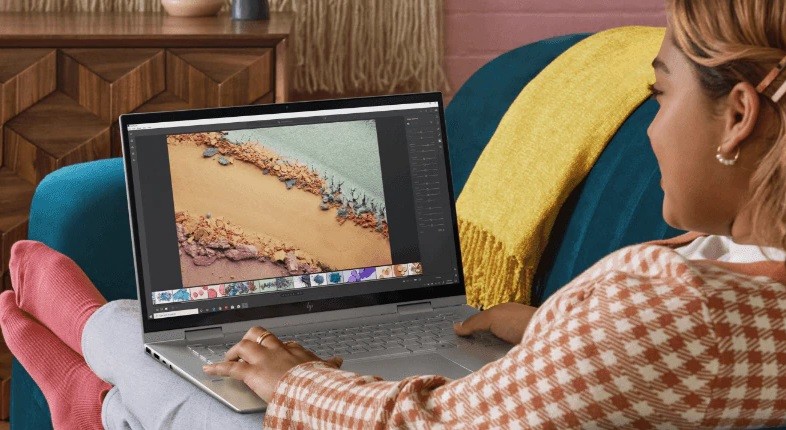
HP’s Envy x360 Convertible Laptop is currently receiving amazing discounts

Latest Articles


Android

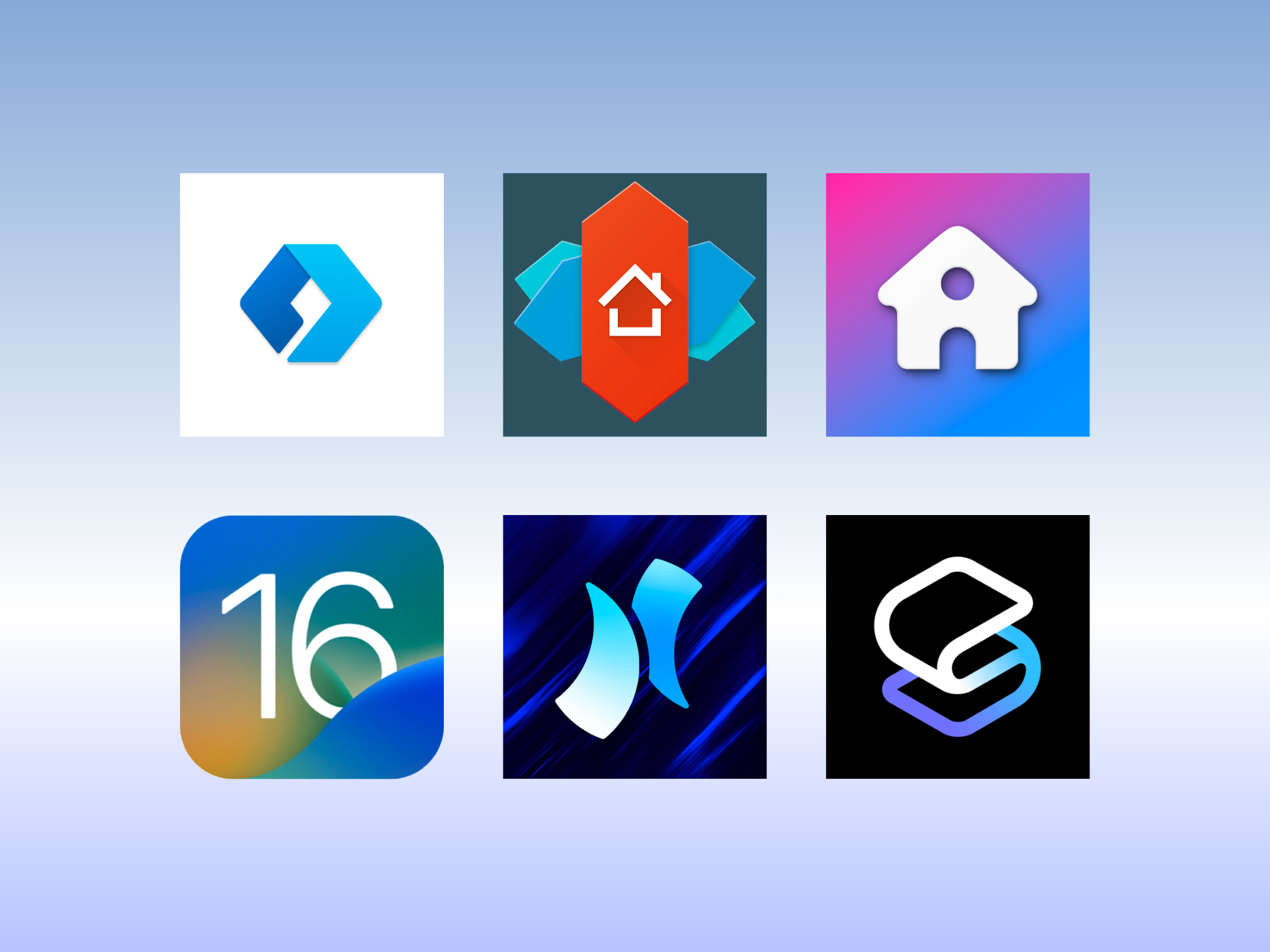
We found and listed some of the best and most popular Android third-party launchers that let you fully customize your device to your unique self.

By Roland Udvarlaki


August 4, 2022, 10:00 am


phones

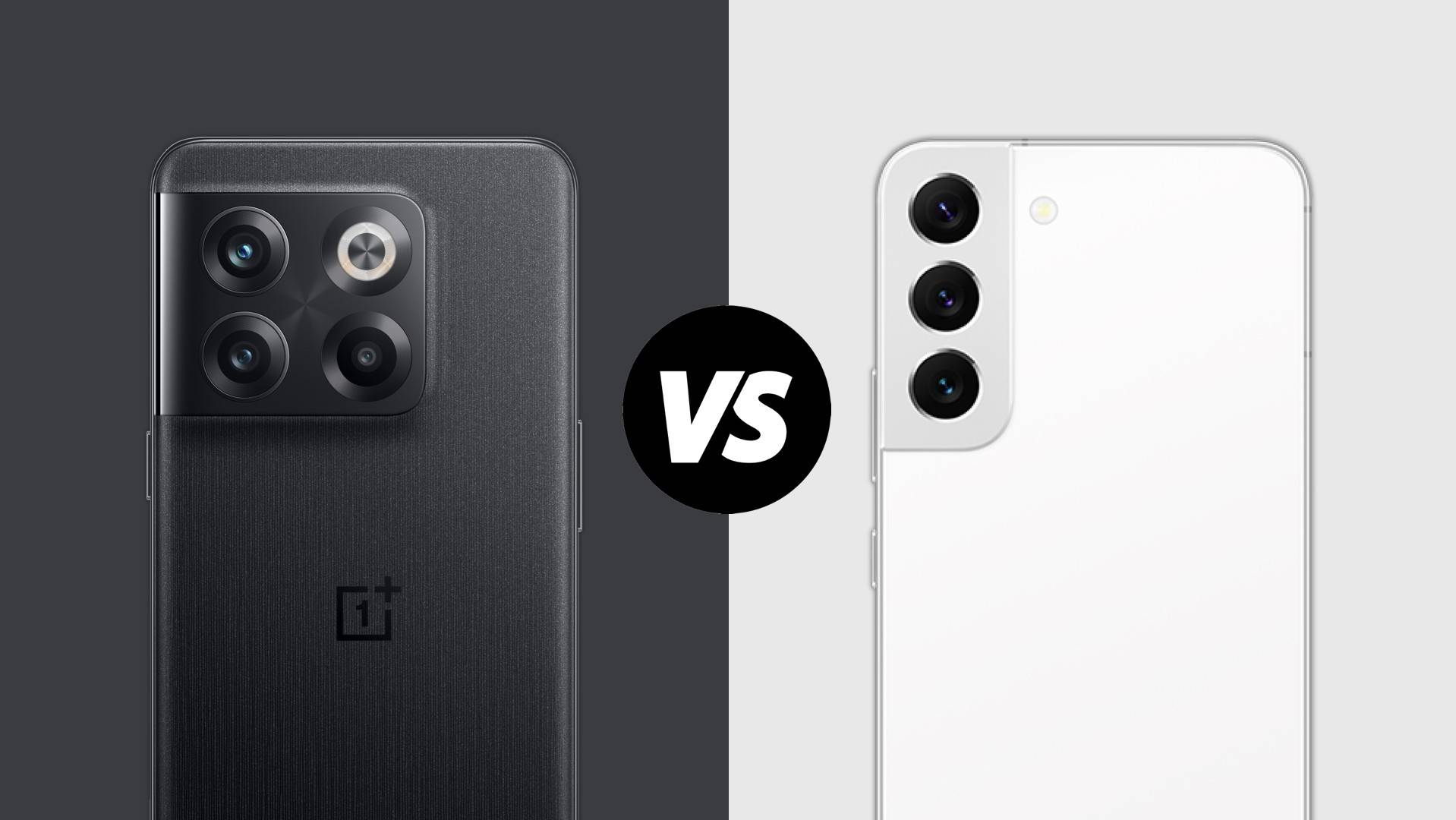
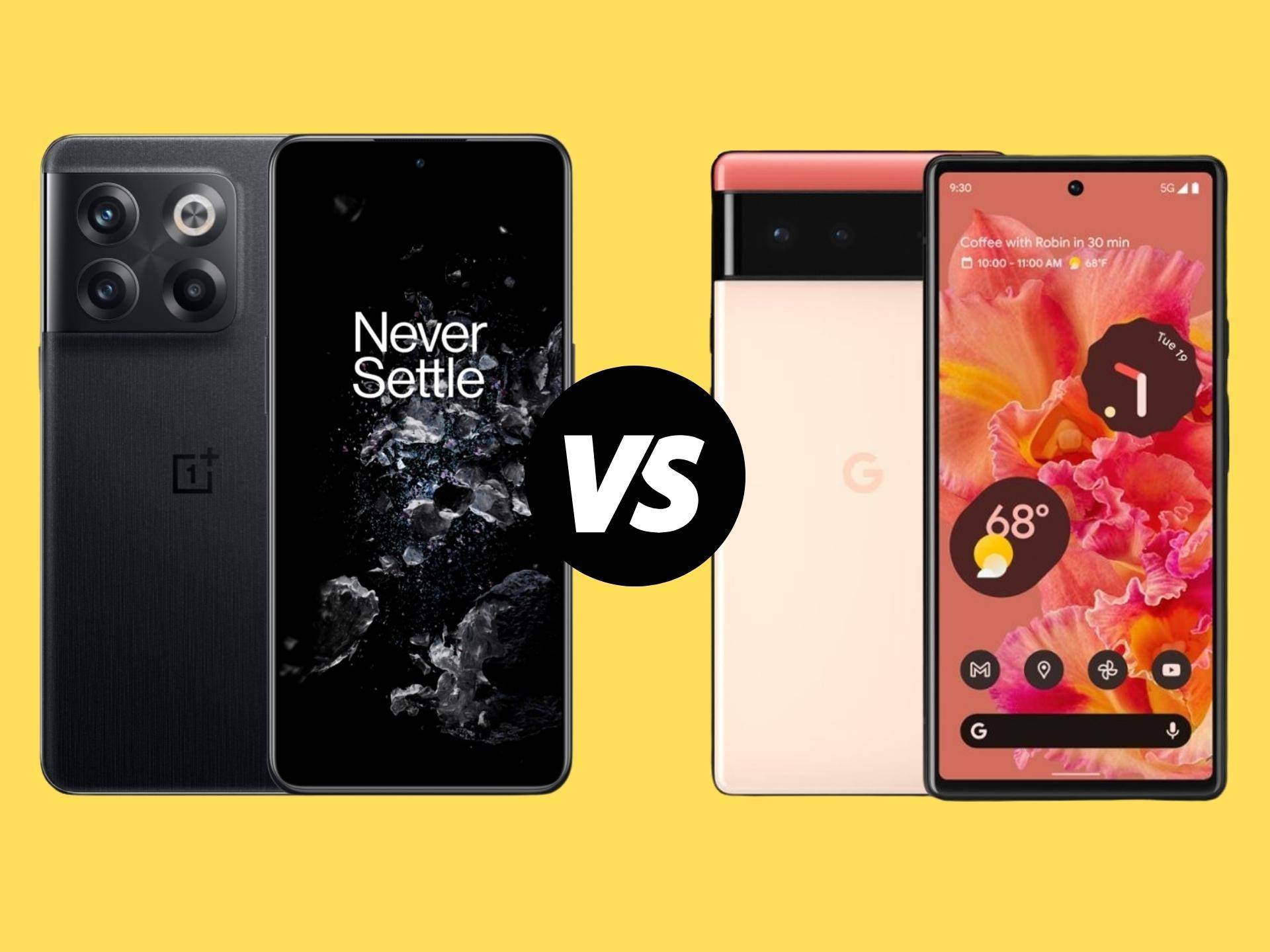
OnePlus 10T and Samsung Galaxy S22 are the two most popular Android smartphones in the $650 to $750 price segment. Which one should you buy? Let’s find out!

By Sanuj Bhatia


August 4, 2022, 6:00 am


phones

With a starting price of $649, the OnePlus 10T enters the market amongst the competition from iPhone 13 and Google Pixel 6. But in case you’re looking to buy a device on the Android side of things, in this article, we look at how the smartphone…

By Aryan Suren


August 4, 2022, 4:00 am


Deals

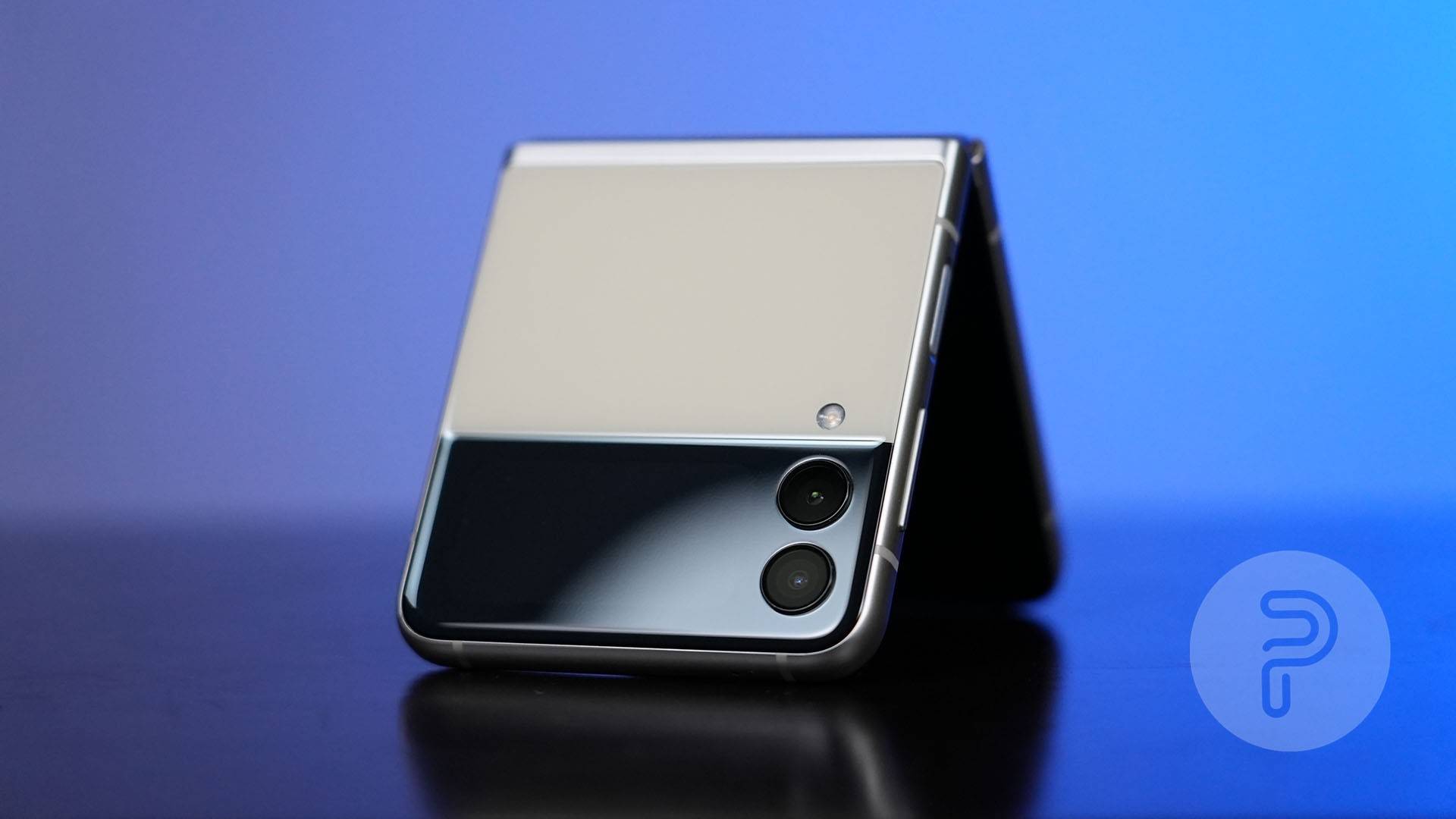
Today’s best deals come from Amazon and Woot, where you will find the Samsung Galaxy Z Flip 3, one of Motorola’s best Android devices, Apple’s amazing AirPods Max, and more products on sale

By Samuel Martinez


August 3, 2022, 6:28 pm


Deals

Score insane savings on some of Samsung’s best smart TVs, thanks to the latest deals at Amazon and Best Buy

By Samuel Martinez


August 3, 2022, 3:33 p.m.


phones

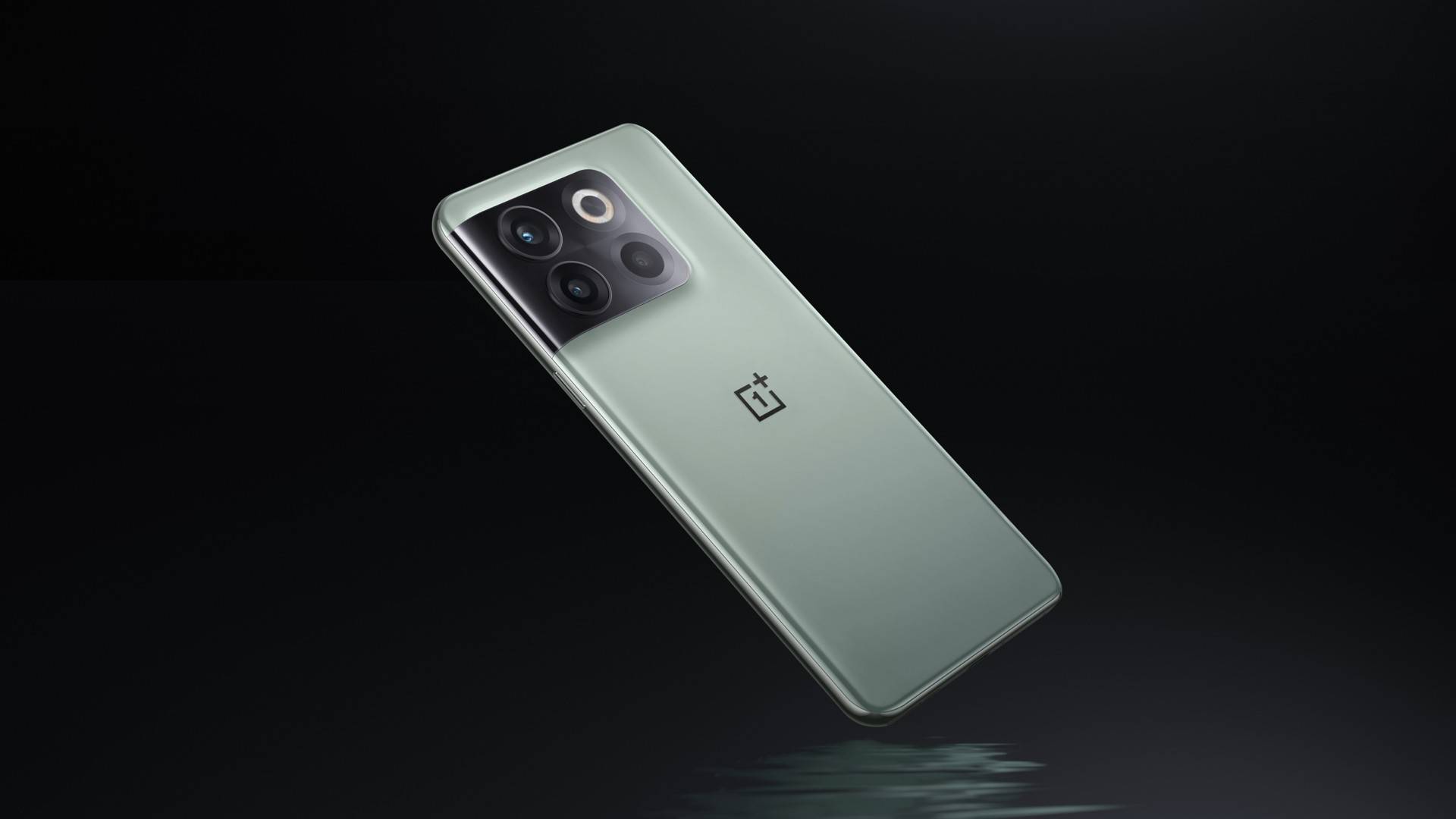
Here’s everything you need to know about the new OnePlus 10T: from specifications to price to release date, and much more!

By Sanuj Bhatia


August 3, 2022, 11:30 am


iOS

iPhones aren’t known to be customizable, but iOS 16 and the last few IOS software updates changed how iPhones can be used and personalized. In this article, we take a look at these options.

By Roland Udvarlaki


August 3, 2022, 9:30 am


phones

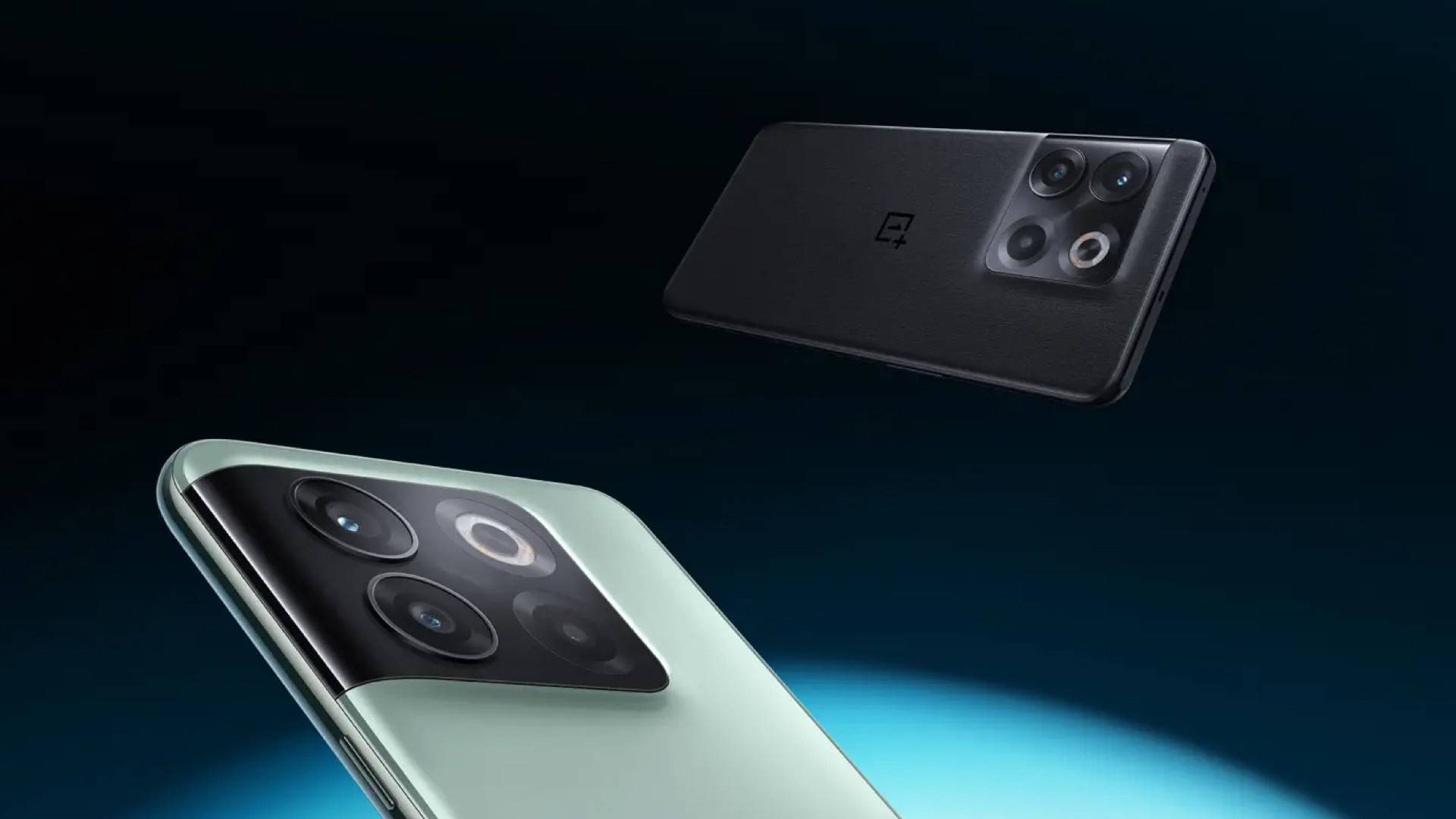
Catch the details of the OnePlus 10T launch event, including its date, start time, and YouTube live stream link, right here!

By Sanuj Bhatia


August 3, 2022, 8:00 am


Deals

Today’s best deals come from Amazon, Adorama, and more, where you will find amazing gaming laptops, condenser microphones, gaming consoles, and more on sale

By Samuel Martinez


August 2, 2022, 6:19 pm


Deals

Score insane savings on several Microsoft Surface Laptop 4 models, with some deals getting you up to 44 percent discounts

By Samuel Martinez


August 2, 2022, 3:39 p.m.

Categories
Technology

Editor’s Desk: Apple’s back-to-school tech cycle examined

It’s August. The hot, sticky summer air will slowly start to get cooler, and the leaves will start changing colors as the days get shorter. The bells will ring, and students will flood the halls of schools everywhere. These are the familiar sights, sounds, and feelings we get yearly around this time.

Like clockwork, the back-to-school season is in full swing, and for Apple, a bunch of new products — both hardware and software — will be released. The September event is highly anticipated across the tech world, and this year should feature the iPhone 14 (opens in new tab) as the cornerstone of the keynote presentation.

Think the September event is the only way Apple makes the school year work to its advantage? Think again.

August builds anticipation for Apple’s September event

Categories
Technology

MSI (Accidentally?) Confirms Ryzen 7000 Release Date

msi mds logo

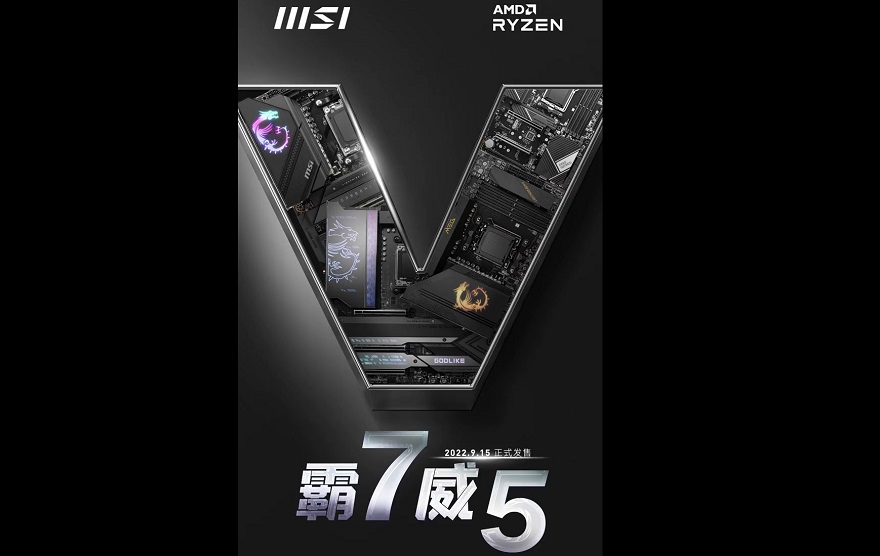
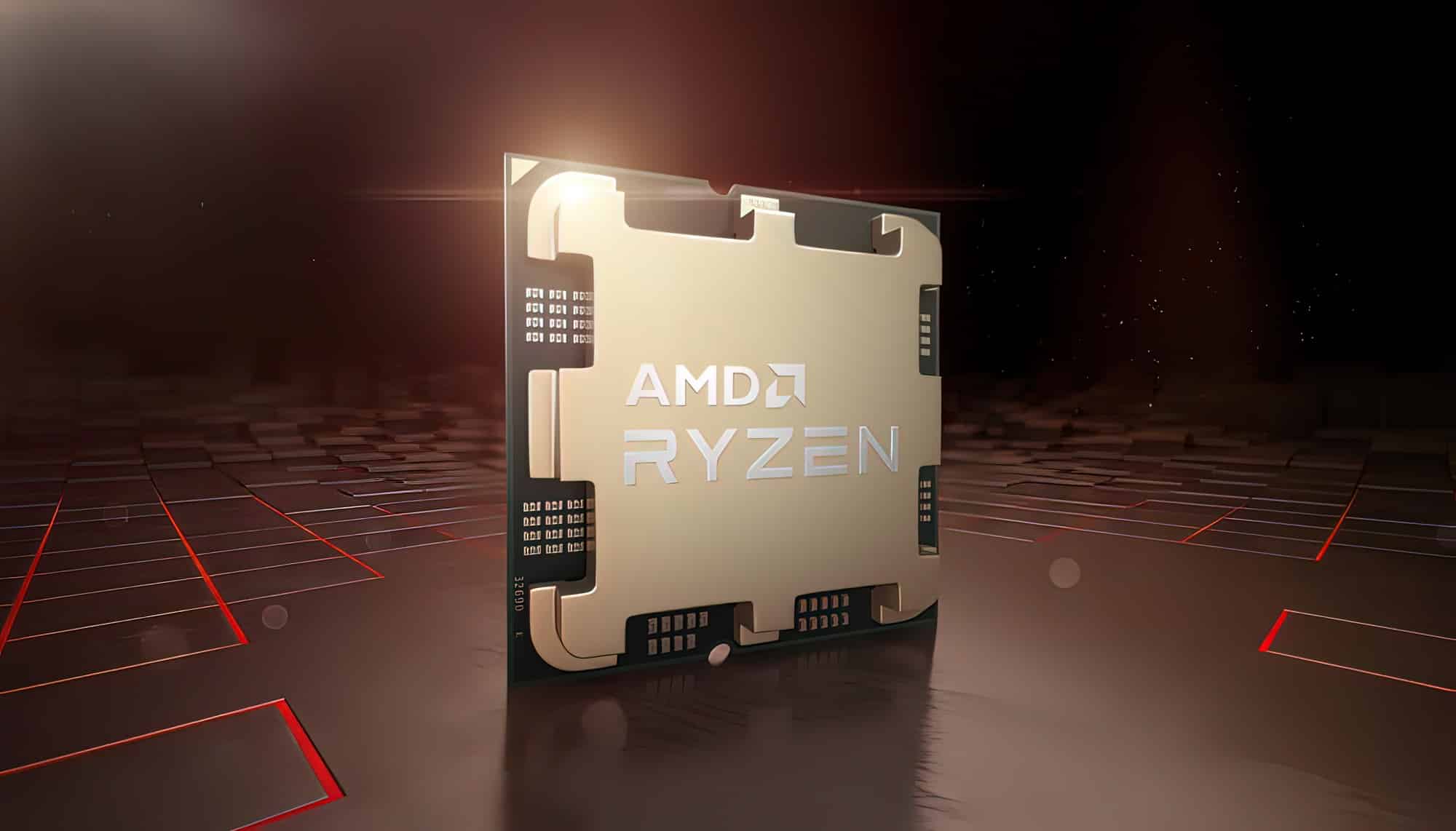
Earlier this week, information appeared online seemingly confirming the long-anticipated launch and subsequent release date/s of AMD Ryzen 7000. – At the time, and as often is the case with such leaks, however, it did clearly need to be taken with a grain of salt. – That is, until now!

Following an official post on their Weibo account (which you can check out here), MSI has pretty much 99.9% confirmed that AMD Ryzen 7000 processors, along with X670 motherboards, will be set for a general consumer release on September 15th. – Yes, AMD’s next generation of processors is less than 6 weeks away!

1 25

MSI Confirms Ryzen 7000 Release Date!

With MSI seemingly confirming the previously alleged September 15th release date, this would also seem to add weight to prior rumors that Ryzen 7000 will be officially unveiled by AMD on August 29th. – And in this regard, there is already a lot of interesting building that AMD may take an incredibly aggressive strategy with its pricing with the 7600X (usually the most popular model in the Ryzen generations) said to be targeting a retail price of only around $200!

The bottom line though is that after months of speculation, we clearly don’t have much longer to go before the launch of Ryzen 7000 on its new AM5 socket platform. – One thing we can say for sure though is that MSI appears to be more than ready for it!

What do you think? – Let us know in the comments!

Categories
Technology

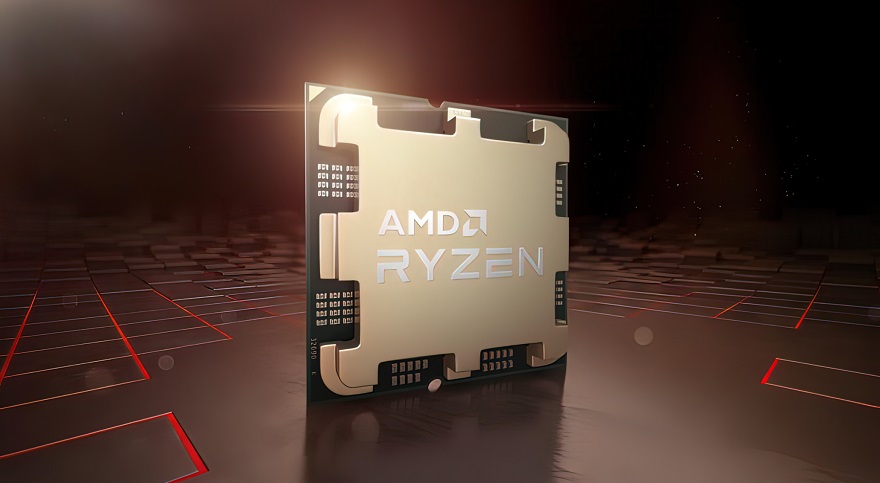
AMD Ryzen 7000 CPU Specs Leak: Up to 5.7GHz Boost Clock, 80MB Cache, and 170W Power Draw

The entire specifications of AMD’s Zen 4-based Ryzen 7000 processors have leaked out. The 5nm chips will feature up to 16 cores with a single-boost clock of 5.7GHz and 80MB of cache, overall. The core counts have remained unchanged but the operating frequencies have been substantially increased. For example, the Ryzen 9 5950X has a base and (single-core) boost clock of 3.4GHz and 4.9GHz, respectively while the 7950X will top out at 5.7GHz.

CPUs Cores/Threads BaseClock SC Boost Clock Cache TDP Price
AMD Ryzen 9 7950X 16/32 4.5GHz 5.7GHz 80MB (64+16) 170W ~$700US
AMD Ryzen 9 7900X 12/24 4.7GHz 5.6GHz 76MB (64+12) 170W ~$600US
AMD Ryzen 7 7700X 8/16 4.5GHz 5.4GHz 40MB (32+8) 105W ~$300US
AMD Ryzen 5 7600X 6/12 4.7GHz 5.3GHz 38MB (32+6) 105W ~$200US

The L2 cache will be increased from 8MB (512KB per core) to 16MB (1MB per core) and the TDP to 170W (base) and 230W (PPT). In comparison, the Zen 3 flagship had a base TDP of 105W and a boost cap of 141W. Moving to the Ryzen 9 7900X, we’re looking at a base clock of 4.7GHz and a boost of 5.6GHz with the L2 cache being trimmed to 12MB along with six of the cores. The Ryzen 9 5900X, on the other hand, peaks at 4.8GHz. Like the 7950X, the 7900X also draws up to 230W under load.

Moving down the stack, we have the Ryzen 7 7700X and the Ryzen 5 7600X, both with a TDP of 105W and a boost power of 141W. The former clocks up to 5.4GHz and the latter to 5.3GHz on the fastest cores, up from 3.8GHz and 3.7GHz on the 5800X and 5600X, respectively. Like the higher-end SKUs, the L3 cache is unchanged but the L2 has been doubled to 8MB and 6MB.

Categories
Technology

Ordinary computers can match Google’s quantum computer performance: Researchers

San Francisco, Aug 7 (IANS): After Google said they had achieved what quantum computing researchers had sought for years, a team of Chinese researchers now claim to have replicated the performance of Google’s Sycamore quantum computer using traditional hardware.

In 2019, Google researchers claimed they had passed a milestone known as quantum supremacy when their quantum computer Sycamore performed in 200 seconds an abstruse calculation they said would tie up a supercomputer for 10,000 years.

Now, scientists in China have done the computation in a few hours with ordinary processors. A supercomputer, they say, could beat Sycamore outright.

“I think they are right that if they had access to a big enough supercomputer, they could have simulated the task in a matter of seconds,” said researcher Scott Aaronson, a computer scientist at the University of Texas, Austin.

The team used a system comprised of 512 GPUs to complete the same calculation developed by Google to demonstrate it had passed the quantum supremacy milestone back in 2019.

The advance takes a bit of the shine off Google’s claim, said Greg Kuperberg, a mathematician at the University of California, Davis.

Still, the promise of quantum computing remains undimmed, the team said.

Sergio Boixo, principal scientist for Google Quantum AI, said in an email the Google team knew its edge might not hold for very long.

“In our 2019 paper, we said that classical algorithms would improve,” he said. But, “we don’t think this classical approach can keep up with quantum circuits in 2022 and beyond”.

The “problem” Sycamore solved was designed to be hard for a conventional computer but as easy as possible for a quantum computer, which manipulates qubits that can be set to 0, 1 or any combination of 0 and 1 at the same time.

Categories
Technology

Valorant Agent 21: Mage’s abilities and release date

The Valorant Protocol is about to get a new addition soon.

A new email from the practice range in the Public Beta Environment (PBE) may provide clues to Valorant Agent 21’s identity (codenamed Mage), including their country of origin and background.

Riot Games has never been shy about dropping hints and teasers in the lead up to a new agent release, so you can be sure that the email is just the first of more clues to come.

Here’s everything we’ve gathered about the game’s next agent, including their background, role, abilities, and potential release date.


Who is Valorant Agent 21?

Valorant agent 21
Credit: floxayyy

Riot Games hasn’t made an official announcement on who Valorant agent 21 is going to be, but a name has been linked to the competitive first-person shooter’s new character.

The email mentions one Varun Batra, the keeper of Legion’s new power source. Legion is Omega Earth’s version of the Valorant Protocol. However, unlike their Alpha rivals, they operate in the open and are publicly celebrated for their operations retrieving Radianite from Alpha Earth.

Valorant lore is only now delving deeper into Omega Earth. The Shattered cinematic and the introduction of Pearl, the first map to be set on Omega Earth, is expanding the narrative in new and fascinating ways.

While Omega agents have long been framed as the villains, perhaps things aren’t quite so straightforward after all.

Varun’s Alpha counterpart is a REALM operative and an antiquities expert, part of a multi-national taskforce that recovers historical artifacts from the black market.

As the keeper of Legion’s new power source, Varun Batra could be the one responsible for creating bridges from Omega Earth to Alpha Earth.

Fans were also quick to point out the Indian and Hindu origins of the name, sparking excitement for the game’s first agent from the country. And given Valorant’s surging popularity in South Asia, an Indian agent would hardly be surprising.

Valorant agent 21
Credit: Valorant Update

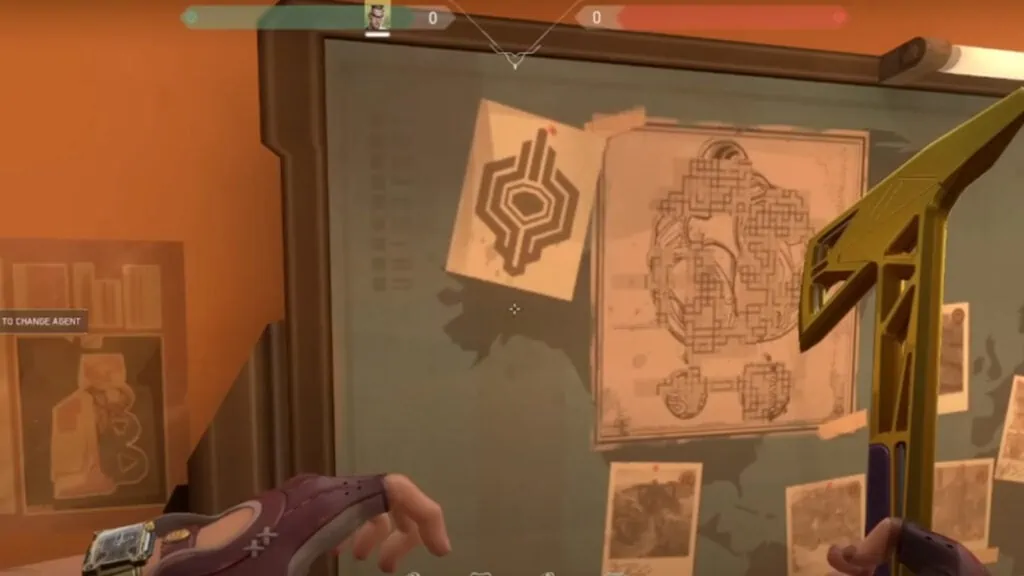
Another clue is a new symbol found on the bulletin board of the PBE’s Range. The image could be tied to Ella’s Agent 21’s powers and abilities, similar to how they teased Neon by having her Ella’s energy backpack appear in one of the player cards in Episode 3 Act 3’s Battle Pass.

The symbol also looks similar to the Hamsa hand, as pointed out by YouTube channel Valorant Update, yet another hint at the new agent’s possible Indian origins.


What are Agent 21’s abilities?

Filipino Valorant player behind Revive Me Jett meme gets a spray
Credit: Riot Games

The name has also given rise to speculation about their abilities. Varun is evocative of Varuna, the Hindu deity commonly associated with the oceans.

This could mean that Agent 21’s abilities will be centered around water. Several other Valorant agents already have powers linked to elements. For instance, Phoenix uses fire, Jett maneuvers using air, Astra taps into her cosmic, ethereal abilities, and Sage wields the power of earth.


What role will the new agent fill?

Valorant currently has six duelists, five initiators, four sentinels, and four controllers in its roster. To keep things balanced, Riot Games could look to release a controller agent.

After all, the last time we got a new smoke agent was during Astra’s release in patch 2.04 in March last year.


When will Agent 21 be released?

Valorant Episode 4 Act II Battle Pass All Aboard spray
Credit: Riot Games

Fans can expect Riot Games to share more details about the new agent toward the end of Episode 5 Act I, which will end on August 23. The new Valorant agent will likely be released alongside Episode 5 Act II.

READ MORE: This mystery football club is also in the running for VCT EMEA franchising

Categories
Technology

Pokemon Scarlet and Violet Leaker Details the Pseudolegendary Dragon Type

Pokemon Scarlet and Violet are three months away from release, and so far, there have only been three trailers. There are still a lot of information fans want to know, but it seems Game Freak and the companies involved are keeping their cards close to their chest for now. Because of this, many have turned to Pokemon Scarlet and Violet rumors and leaks for details, some of which have proven legit and others not so much. The latest rumor is interesting though and details the pseudo-legendary for the new generation.

GAMERANT VIDEO OF THE DAY

For the uninitiated, pseudolegendaries are powerful Pokemon who are almost, or are extremely basically, as powerful as a Legendary. These often end up being the standalone, three-stage evolution Dragon-type of the region, with Tyranitar and Metagross being the only exceptions. Dragon-type pseudolegendaries include Dragonite, Salamence, Garchomp, Hydreigon, Goodra, Kommo-o, and Dragapult. The rumors about the latest Pseudolegendary come from Kaka and have been shared by others in the community, with Kaka’s spot record being decent but not the best.

RELATED: Bootleg Merch Combines Pokemon and The Avengers


Nonetheless, according to Kaka, the latest Dragon type in Pokemon Scarlet and Violet will somehow be based on Sushi. This would seemingly imply it would be a Water/Dragon-type, but there’s no way of knowing and no other details were provided. It sounds like a workable idea, depending on the approach, as it could be like a segment Dragon similar to certain sushi rolls. It’s an out-there design, but then again, Game Freak has proven time and again it’s not against getting weird with designs. Drampa, Goodra, and other dragon-types certainly provide this.

Fans will have to wait and see if this leak proves legit or not, and given how piecemeal every Pokemon Scarlet and Violet trailer has been, it doesn’t seem too likely it’ll be confirmed too soon. Indeed, many wish Game Freak was more giving with the generation, as it seems to be in an overall odd spot. For example, it’s really hard to make a decision right now on which title to pick up. There are a few Pokemon Scarlet and Violet exclusives known, but given the new Pokemon pool is small and other details are even smaller, it’s a tough call right now.


Still, the pseudolegendary is likely available in both versions, and even if it is not Sushi-based, a Dragon-type pseudo legendary is a safe bet. Why a sushi-based Pokemon in the Spanish-inspired Paldea region is a big question mark, but again, there are odd things in the Pokemon World.

Pokemon Scarlet and Violet release November 18 for Nintendo Switch.

MORE: The Case for More Pokemon Mystery Dungeon Remakes